> ## Documentation Index
> Fetch the complete documentation index at: https://seal-d2ca5bea.mintlify.site/llms.txt
> Use this file to discover all available pages before exploring further.
# Files
PDFs, CSVs, images, and videos can be uploaded as Files - they exist as a Type, and can be given titles, fields, tags, reviews, and can be sent for training.
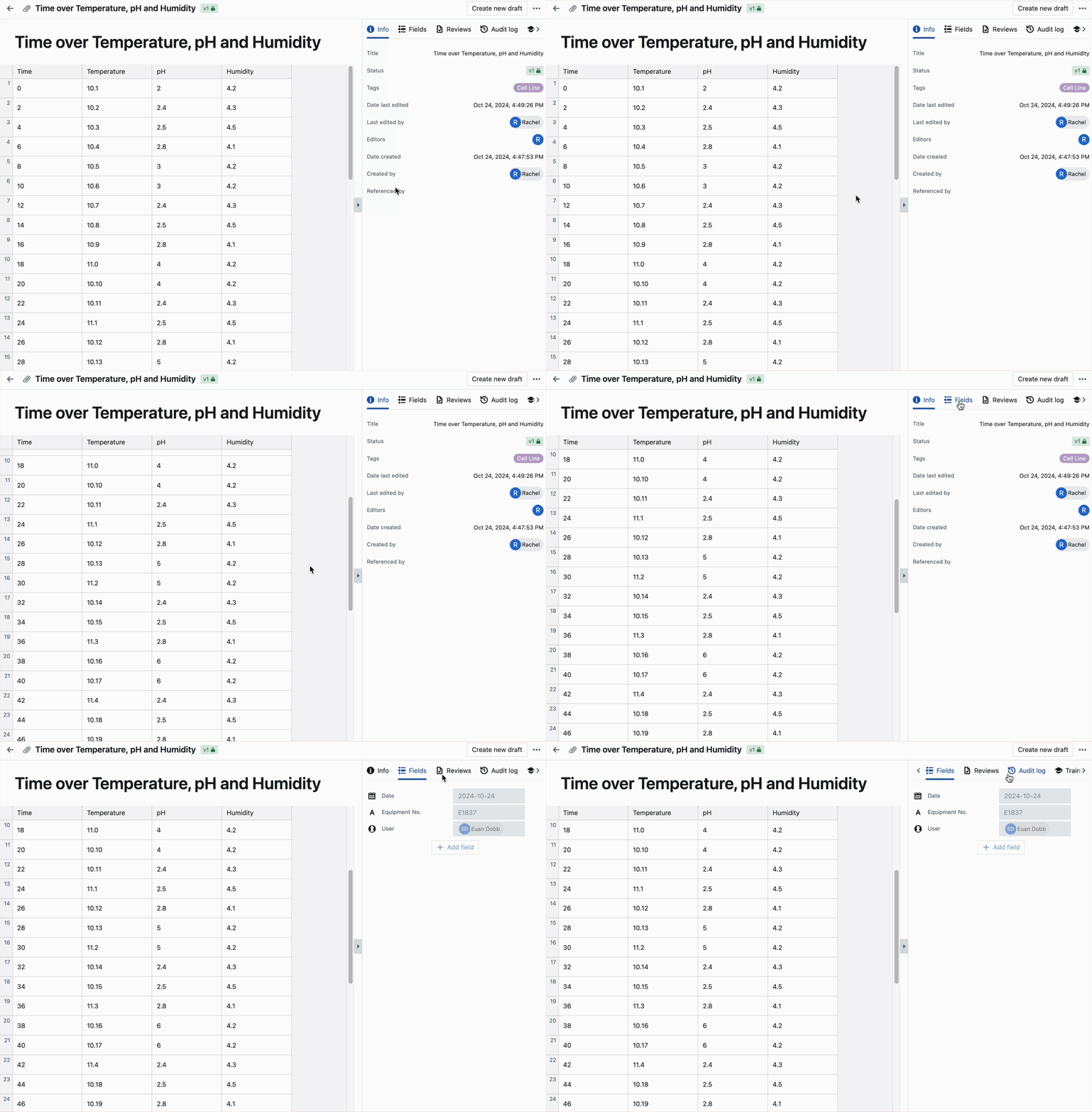 It is possible to upload multiple files. You are also able to connect your Dropbox to Seal, to directly upload files from your Dropbox server.
To download, duplicate, or replace a file, select the three-dot menu in the top right.
## Referencing files in Seal
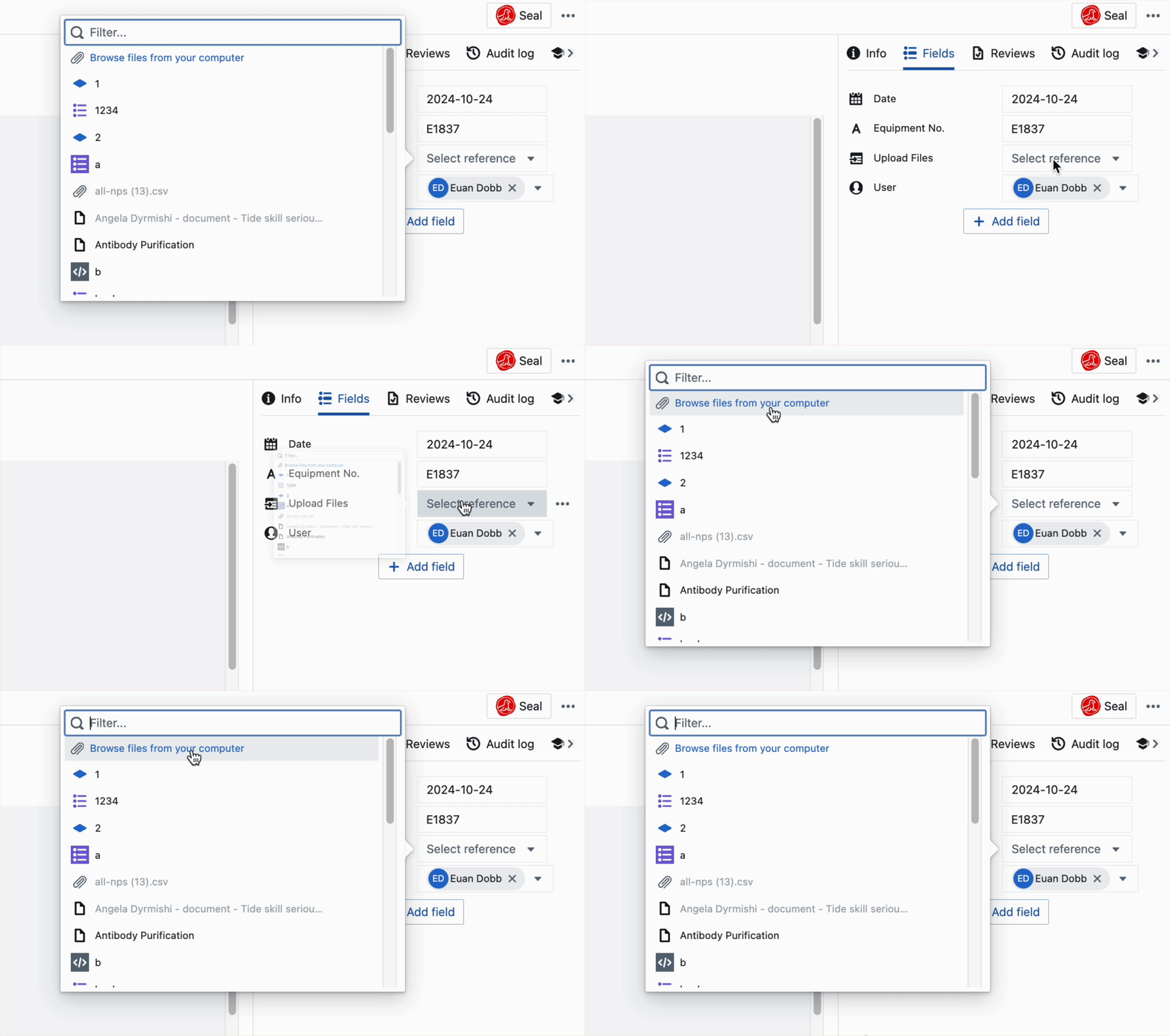
Uploaded files can be referenced in Seal by other entities, using the 'Reference' field.
## Uploading files as record fields
Files can also be directly uploaded into the 'Fields' section. This automatically creates a separate File entity using the chosen file(s).
It is possible to upload multiple files. You are also able to connect your Dropbox to Seal, to directly upload files from your Dropbox server.
To download, duplicate, or replace a file, select the three-dot menu in the top right.
## Referencing files in Seal
Uploaded files can be referenced in Seal by other entities, using the 'Reference' field.
## Uploading files as record fields
Files can also be directly uploaded into the 'Fields' section. This automatically creates a separate File entity using the chosen file(s).