Structure
Pages in Seal are made up of blocks. A block can be many things, ranging from a field to a checkbox or bit of text. You can copy links to blocks — when someone clicks on the URL, the page scrolls to that section and momentarily highlights it.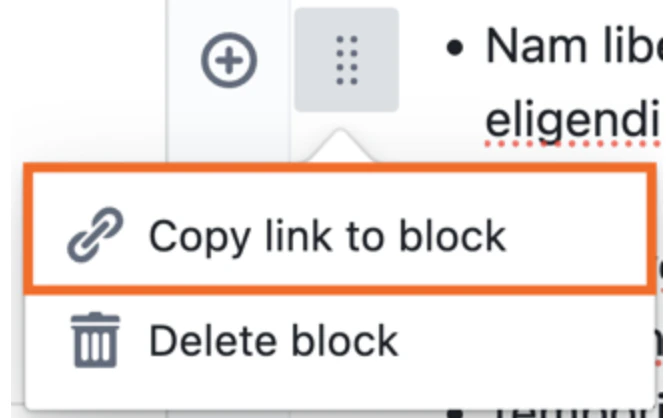
Formatting text
Users can use markdown auto-formatting to format text in the document editor. This may help save time by automatically applying formatting without needing manual styling. See table below for markdown varieties.You can also adjust indentation, for better organisation.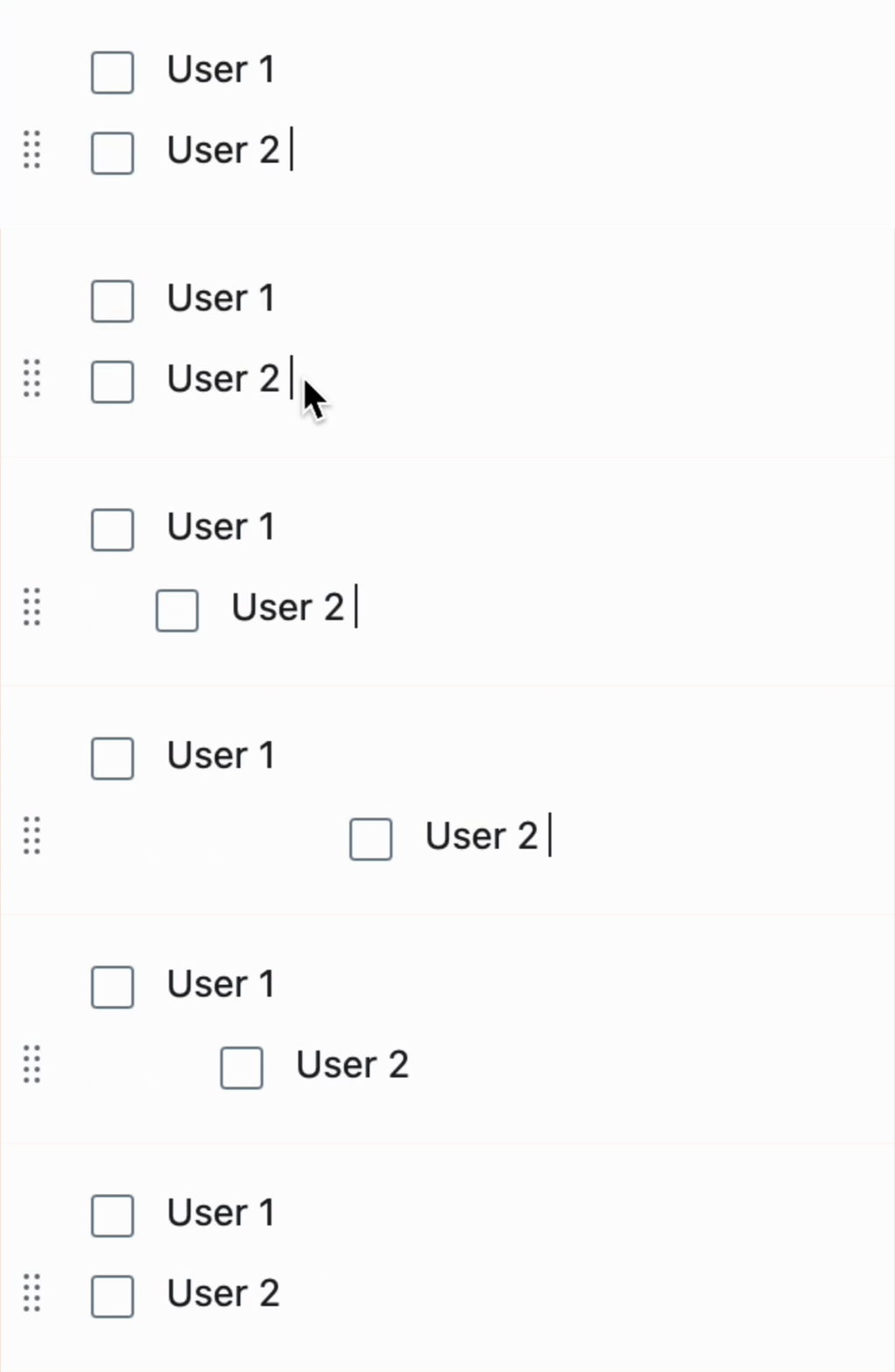
- Press the Tab key to indent
- Hold Shift + Tab to unindent.
Numbered lists
To create an automatically numbered list, prefix each list item with a number followed by a period. The numbers do not need to be in order — the system will automatically number the list sequentially. Clicking the ‘Tab’ button will indent the list, as follows: