Filtering
Query filter suggestions will show as a dropdown as soon as you click into the search bar. Filter suggestions will narrow down as you type. After a filter is selected, values that can be selected are suggested.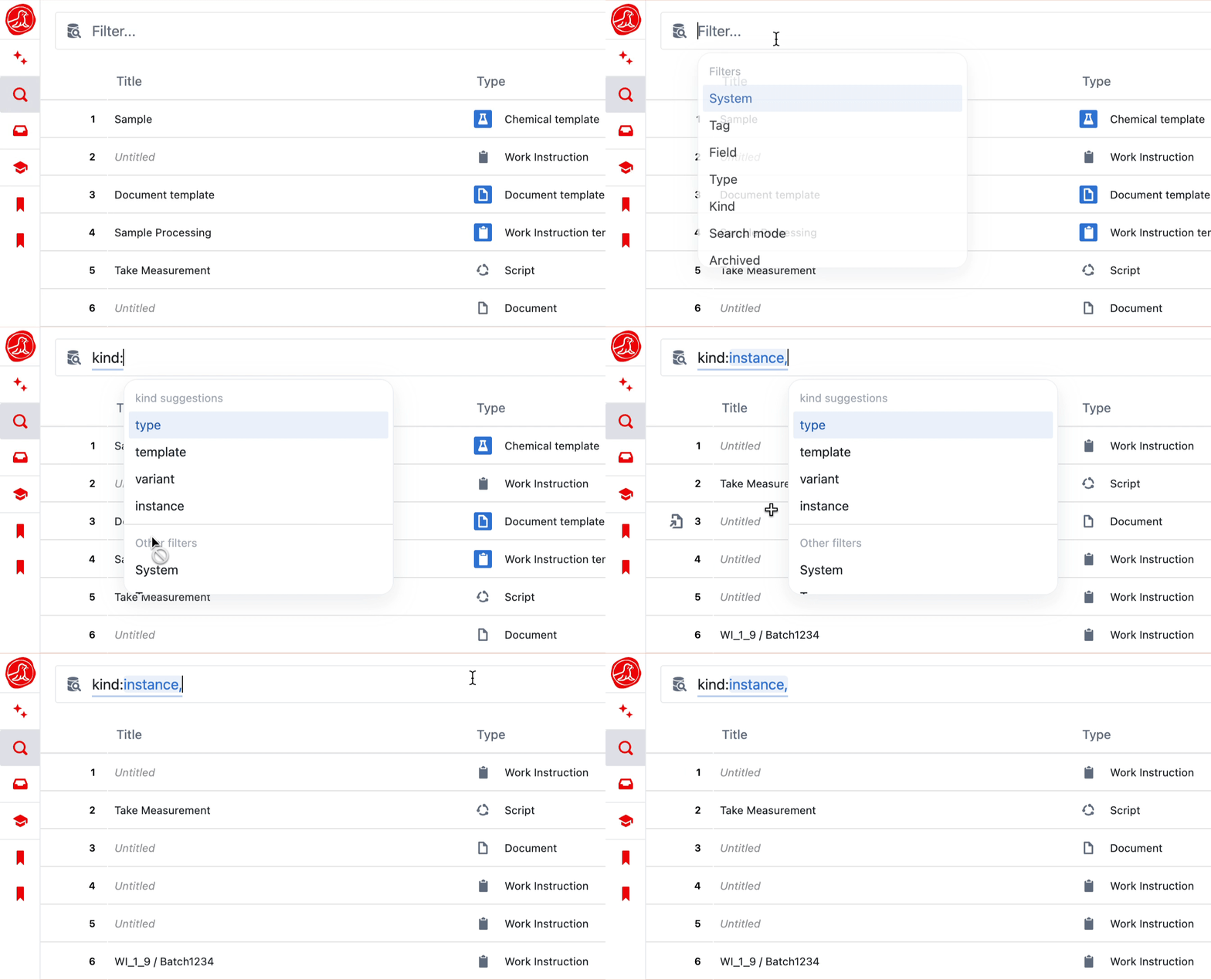
Filters
Filters
ORed together whilst different filter groups are ANDed together.
For example, the query below will return:
- Any entities that were created by Bridget OR are type Document OR Record
- AND were created after 1st September 2025

Field value filters
Thefield filter can also match entities by the value of a specific field using the syntax field:<name><operator><value>. This is useful for filtering by text, number, select, or entity reference field values.
Syntax: field:<field name><operator><value>
Operators
Operators
- Field names containing spaces must be wrapped in double quotes:
field:"Part Number"=value - Values containing spaces must also be wrapped in double quotes:
field:Status="In Progress" - Single-word field names and values do not need quotes:
field:Number=2000
Entity reference values
To filter by an entity reference field (a field whose value points to another entity), use theref() wrapper around the entity’s ID.
Syntax: field:<field name>=ref(<entity id>)
Examples:
Negated filters
Currently, thetype, statusTag, and activeStatus filters can be negated by adding a - before the filter name. This will return any entities that do not match the filter. They can be combined with other filters in the same way.

Sorting
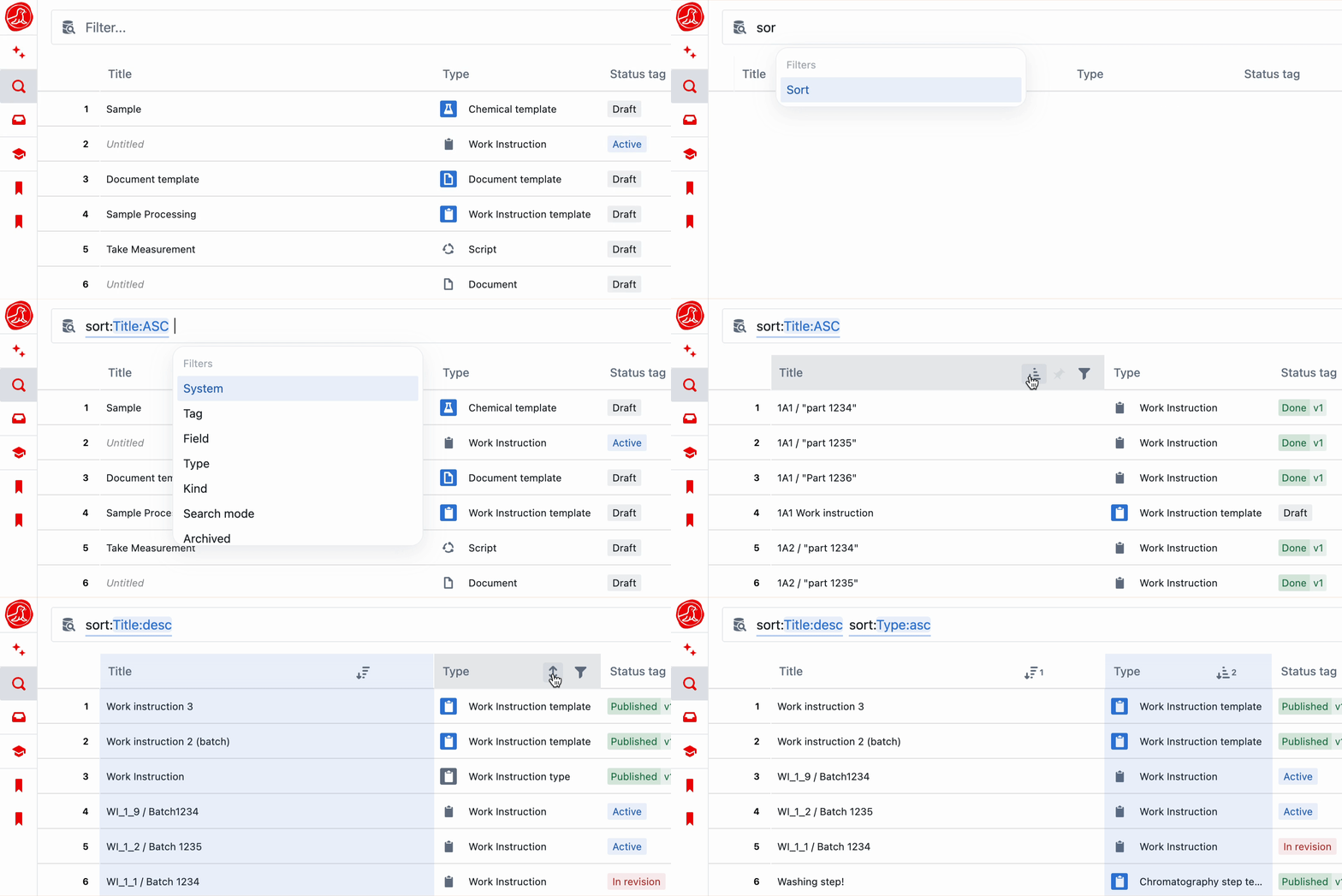
Results can be sorted by using thesort: keyword in your query or by clicking on the vertical arrows icon in a row header. Columns can be sorted ascending or descending and multiple sorts can be applied in sequence.
Saved views
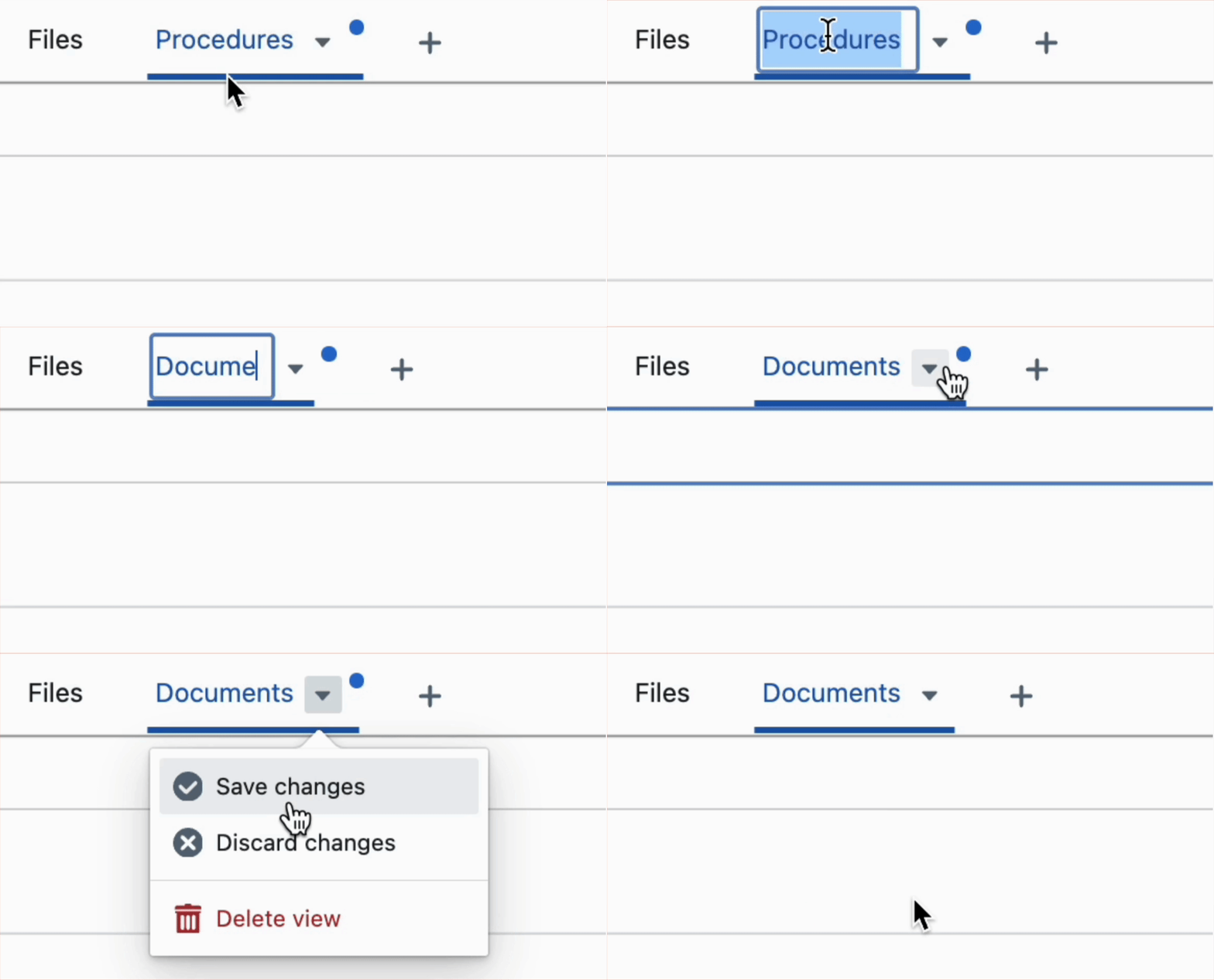
Queries can be saved as views accessible via ‘View Groups’ in the left navigation bar. Type in your query and selectSave as view.
If a filter has been edited in a view, a blue dot will appear in the top right until the view is saved.
Creating entities from saved views
When a saved view includes akind: or template: filter, a creation button appears in the footer and empty state of the results table. The button adapts to the view’s filters:
A
template: filter on its own is sufficient — instance creation is implicit. A type: filter alone does not show a creation button; it must be combined with a kind: filter. Builder permissions are required to create templates; operator permissions or system membership are required to create instances.
Charts from Saved Views
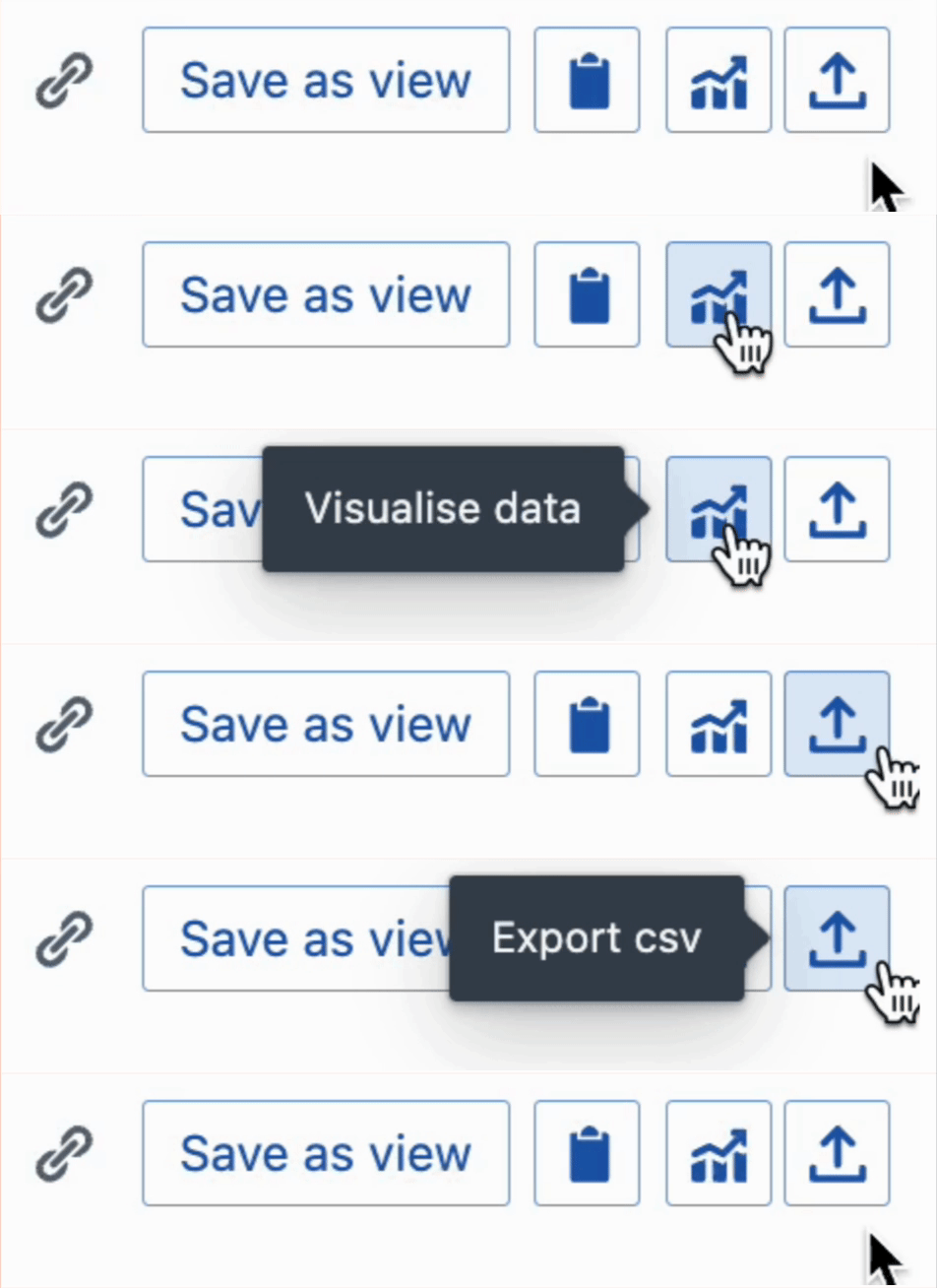
It is possible to create a chart based on query results, and export your view as a CSV.